Basic Operation
With the monitor loaded into the ROM socket and all the jumpers set correctly for the ROM used. Turn the TEC on. If it loads, a welcome banner will be displayed on the LCD, and a short tune will be heard.
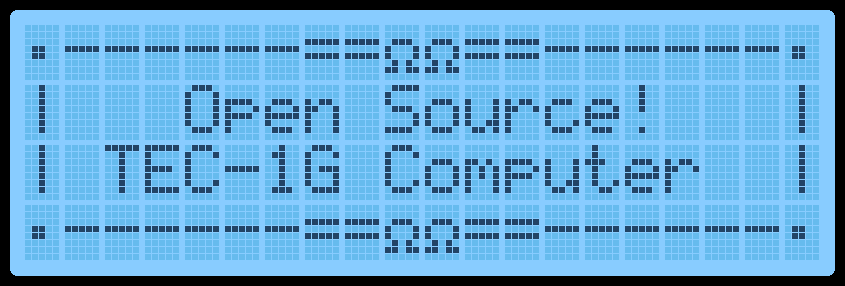
Cold Reset
When the TEC turns on after being powered down, a Cold Reset occurs. A Cold Reset signified with the display of the welcome banner and a short tune. A Cold Reset will configure the Monitor for first-time use after powering it on. It will default Monitor variables and configure the LCD for first use.
If the TEC isn’t responding normally or something “weird” is occurring, a manual Cold Reset can be performed. Programs loaded in RAM will be retained when a manual Cold Reset is done. To do a manual Cold Reset, while pressing and releasing the RESET key, hold the Fn key down. The distinctive LCD Banner and music tone will indicate that the Cold Reset was successful. A manual Cold Reset on the HexPad will still work if the Matrix Keyboard is in use.
Warm Reset
A Warm Reset occurs when pressing and releasing the RESET key. A warm reset returns the TEC to its initial editing location on a Cold Reset. It’s a quick way to go back to the start of a code block or break code execution.